 AI
AIStop passing around stale copies
Expose documents, commands, personas, skills and workflows from one configured knowledge root. Several HTTP sessions can share that same instance.
Whatever your belt, put on your Kimono and join the dojo. By making AI-KIDO knowledge, commands, personas, skills and workflows available through MCP, Kimono outfits the method so you can practise together, with shared points of reference and greater peace of mind.
Connect your assistants to the same AI-KIDO Memory Bank. Search, retrieve instructions and work on an authorized project, without embedding a chat UI or LLM in the server.
Keep AI-KIDO's method and knowledge available to MCP clients such as VS Code and Claude Code. Start read-only, test on your machine, then choose how to share it.

Expose documents, commands, personas, skills and workflows from one configured knowledge root. Several HTTP sessions can share that same instance.
Literal and regex search complement local multilingual E5 semantic search with ONNX Runtime. At runtime, semantic inference needs no external inference API.
activate and execute return instructions. Your client follows them with its own tools and approvals; Kimono does not run an autonomous LLM workflow.
Kimono exposes an AI-KIDO knowledge root through the Model Context Protocol (MCP). Humans using MCP clients and connected agents can discover the same documents, commands, agents/personas, skills and workflows, search them and act on an authorized project. Use it on its own or as a building block for a platform such as Tatami.
aikido, resources and prompts make the knowledge available to clients such as VS Code and Claude Code.
aikido_root initializes the configured root from the official or a custom Git repository.
aikido_search supports literal, regex, semantic and existing-vector searches.
Multilingual E5 embeddings run locally with ONNX Runtime. aikido_embed exposes the active model's
identity and settings; aikido_index maintains indexes and reports semantic progress.
aikido_file requires the exact previous content for updates and deletions.
aikido_git provides structured project operations. Writes are opt-in for trusted projects or forks;
the official AI-KIDO origin remains protected, and pushing requires explicit client approval.
Docker Compose is recommended: Git, Rust search tools, runtime and embedding model are included.
Clients connect to the HTTP /mcp endpoint with a bearer token.
Native stdio is an alternative for a dedicated single-client connection, with its own prerequisites.
One process, one root and one persistent cache provide a common knowledge view. Searches synchronize the index on demand, including external edits, and re-embed only changed chunks. Read-only sharing is simplest; shared writes need a designated Git coordinator or separate workspaces.
Use one instance per authorized workspace, with a private persistent cache and separate token. Health, readiness and status endpoints, plus graceful shutdown, support integration. Provisioning, authorization, session routing, secrets and quotas remain the platform manager's responsibility.
A knowledge server, not an autonomous assistant. Kimono has no built-in chat UI or LLM:
activate / execute return instructions for the client to carry out with its own tools and approvals.
It is not a single-process multi-tenant platform.
Sharing has boundaries. All holders of an instance's token have the same rights. Multiple calls are not a transaction, and Git access is not a sandbox. Never share a cache between independent processes; isolate clones too when writes must be independent. Remote HTTP access requires TLS and an authorized reverse proxy.
For shared access: one HTTP process, one knowledge root and one persistent private cache. The cache is outside the knowledge tree.
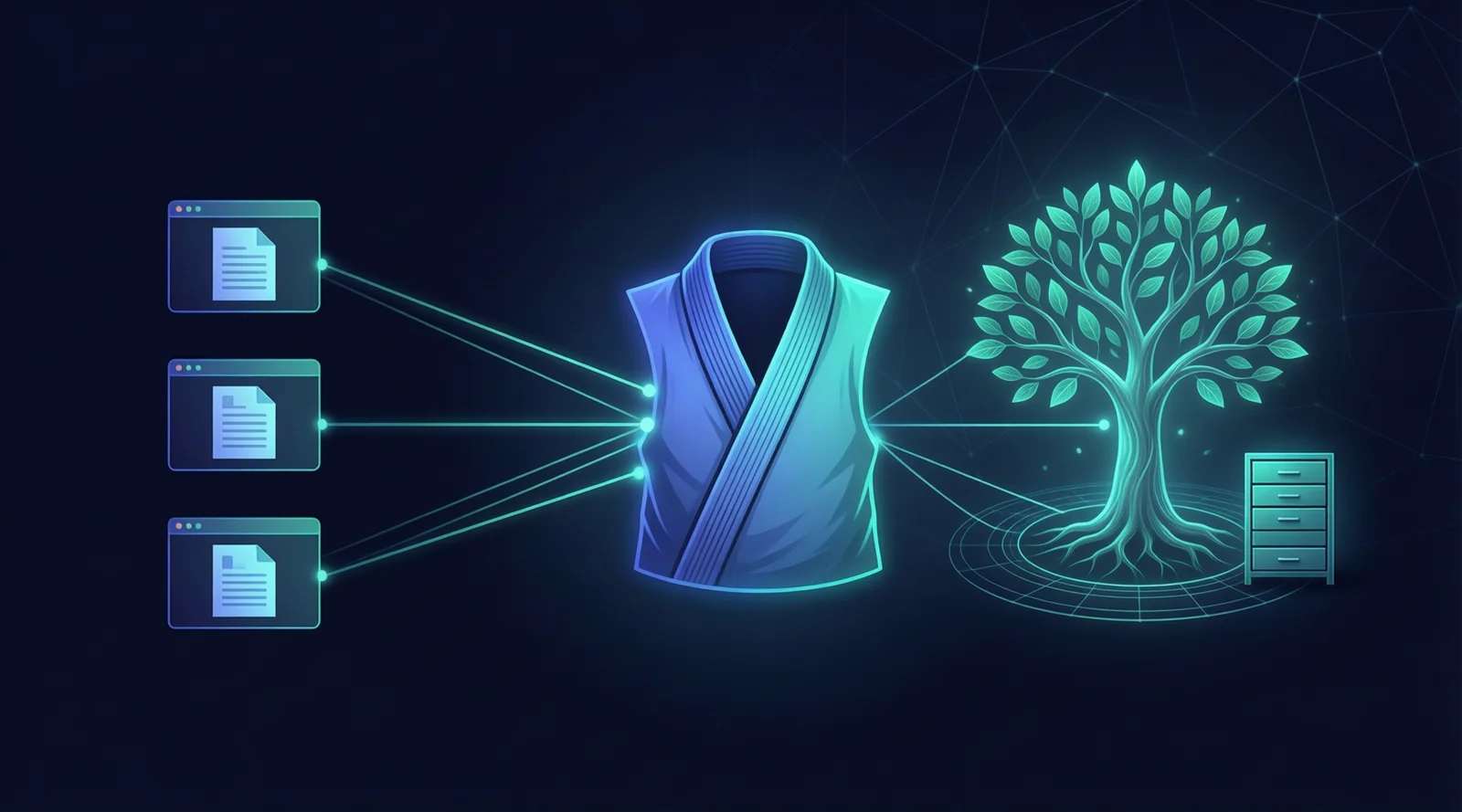
VS Code · Claude Code
Other MCP clients
Discovery · search
Opt-in file / Git actions
Knowledge tree
Persistent search indexes
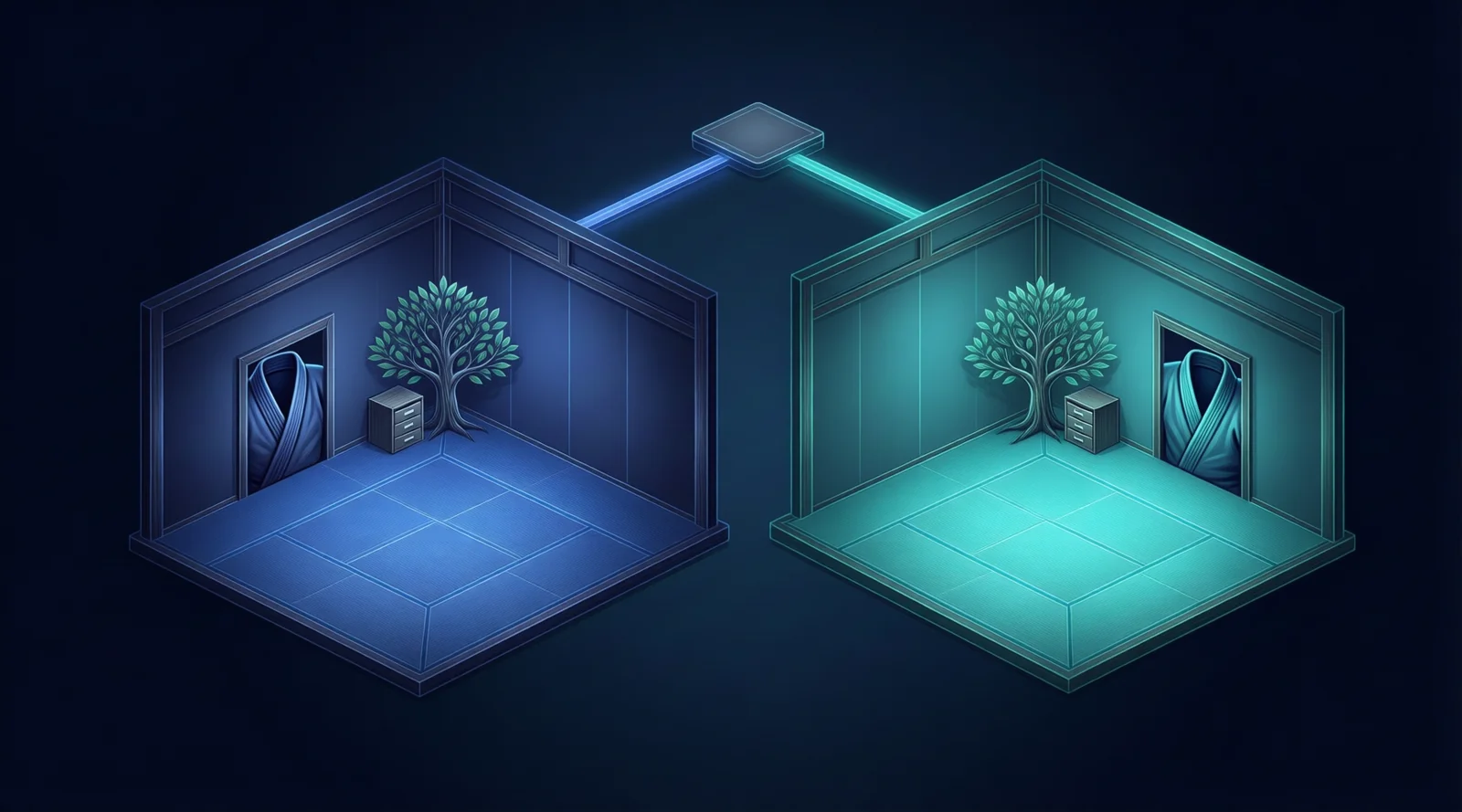
Authorization · routing
Secrets · lifecycle · quotas
Kimono A · root A
Private cache A · token A
Kimono B · root B
Private cache B · token B
Use a terminal with Git installed. The following commands create a new checkout; choose a directory that does not already contain a Kimono clone.
git clone https://github.com/lcalmejane/kimono-mcp-server.git
cd kimono-mcp-server
Then choose Docker Compose for the bundled runtime and embedding model, or native stdio for a dedicated client connection. GitHub hosts the source; GitHub Pages cannot run this MCP server.
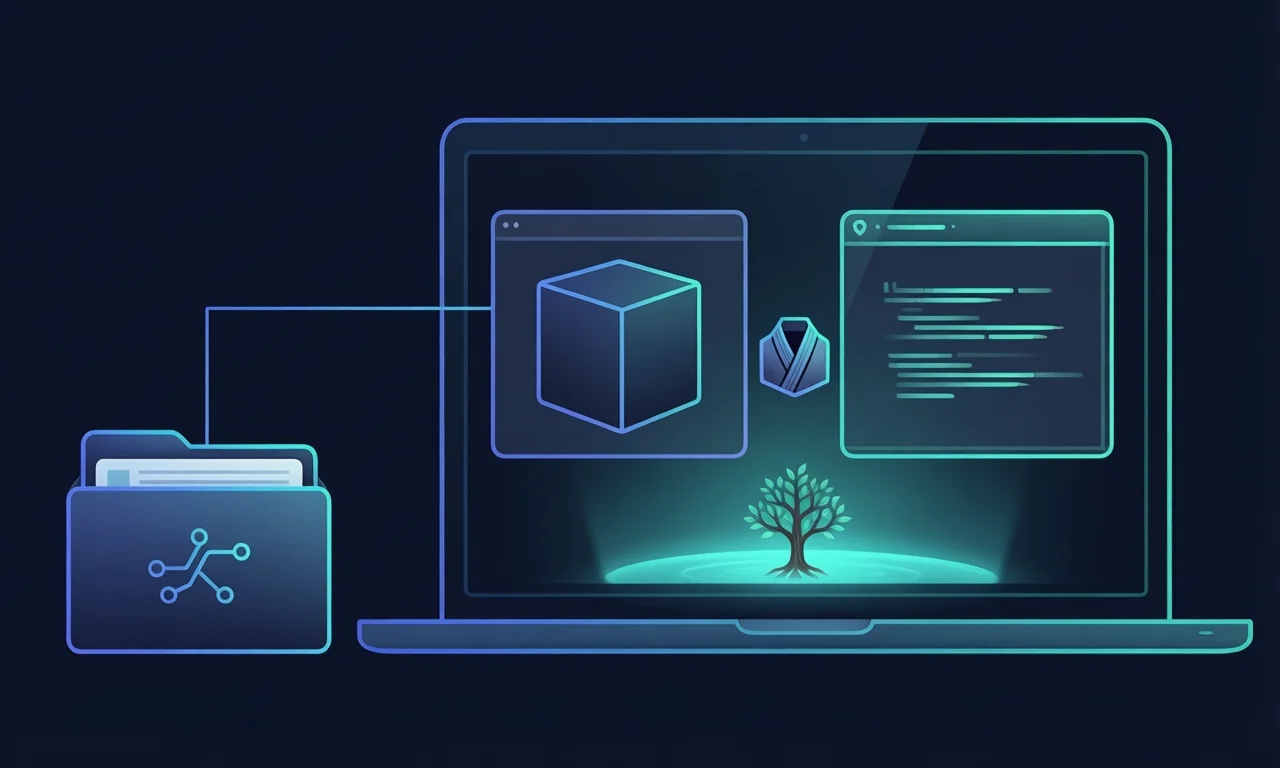
Recommended first run. Install Docker Engine or Docker Desktop with Compose v2, and start Docker. Run these commands from the cloned Kimono directory. The first build downloads dependencies, ONNX Runtime and the embedding model, so it needs Internet access and may take time.
cp .env.example .env
openssl rand -hex 32
Copy the generated random value into MCP_AUTH_TOKEN in .env. Keep the other defaults below for this test; never commit your token.
AIKIDO_HOST_PARENT=./data
AIKIDO_DIR=aikido
AIKIDO_WRITABLE=false
AIKIDO_VOLUME_MODE=ro
AIKIDO_INCLUDE_SPEC=false
MCP_PORT=3000mkdir -p data
docker compose --profile install run --build --rm install-aikido
docker compose up --build -d kimono-mcp-server
docker compose ps
curl --fail http://127.0.0.1:3000/healthzThe installation step explicitly clones AI-KIDO into ./data/aikido. It must be absent or empty; existing non-empty targets are not overwritten. For an existing base, configure its parent directory and name instead, ensure it contains prompts/index.md or index.md, and skip installation.
Expected: a running container and HTTP 200 from /healthz. This checks liveness, not knowledge readiness or a completed semantic index. /readyz and /statusz require your bearer token. The container runs as UID 1000: its mounted directories must be readable, and writable during installation.
Add this server entry to your client's MCP configuration. For VS Code, merge it into .vscode/mcp.json, preserving any existing servers and inputs. The prompted token is the one you set in .env.
{
  "inputs": [
    {
      "type": "promptString",
      "id": "kimono-token",
      "description": "Kimono MCP token",
      "password": true
    }
  ],
  "servers": {
    "kimono": {
      "type": "http",
      "url": "http://127.0.0.1:3000/mcp",
      "headers": {
        "Authorization": "Bearer ${input:kimono-token}"
      }
    }
  }
}
Start the server connection from VS Code's MCP controls and approve the connection when prompted. Other MCP clients use the same URL and bearer authentication. If you change MCP_PORT, update the URL too.
docker compose logs --tail=100 kimono-mcp-server
docker compose down
Stopping this way retains the host knowledge directory and the named cache volume. Do not add --volumes unless you intend to delete the cached indexes.
Alternative to Docker: Node.js 24+, npm, Git and Rust/Cargo are required. This walkthrough starts with literal/regex search. Native semantic search additionally requires the helper, model files and ONNX library from the official semantic setup; Docker bundles them.
cargo install fast-grep --version 0.5.0 --locked
npm ci
npm run build
node dist/cli.js init --root /absolute/path/to/aikido --ref main
Replace /absolute/path/to/aikido with a new, absolute installation path. The last command clones the official base; for an existing base, skip it. The search binary is fgr and must be on the client's PATH.
Merge this entry into VS Code's .vscode/mcp.json, replacing both absolute paths:
{
  "servers": {
    "kimono": {
      "type": "stdio",
      "command": "node",
      "args": ["/absolute/path/to/kimono-mcp-server/dist/cli.js",
               "serve", "--root", "/absolute/path/to/aikido"]
    }
  }
}
The client launches the process itself. There is no HTTP port or bearer token in this stdio configuration. Starting the command separately in several clients creates several processes, not sessions of a common HTTP server; never share a cache between independent processes. Prefer HTTP for a shared root.
In your connected assistant or MCP tool inspector, select the tool and provide the JSON arguments below. These are tool calls, not shell commands. Start with read-only discovery.
aikido{"operation":"list"}Expect a catalogue of knowledge discovered in the configured root. Ask your assistant to explain a command or persona from it.
aikido_search{"mode":"literal",
"query":"AI-KIDO",
"limit":5}Look for paths, line numbers and excerpts. With Docker's semantic setup, try mode: "semantic" with a natural-language question.
aikido_embed{"operation":"info"}Inspect the active embedding model and preprocessing settings. The first semantic search may take longer while indexing; readiness alone does not mean indexing is complete.
To poll semantic progress without starting inference, call aikido_index with {"operation":"status","mode":"semantic"}. After a server restart, reconnect your MCP client to establish a new session.
Keep the official base protected. File/Git writes are for separate trusted projects or forks, explicitly enabled with a writable mount. The Git API is not a sandbox.
All clients holding a token have the same rights. Calls are serialized by the runtime queue, but several calls are not a transaction. Designate one Git coordinator or isolate writable workspaces.
Compose publishes loopback only. Remote use requires TLS and an authenticated, authorized reverse proxy. Separate tokens, roots and caches for isolated workspaces; never put credentials in Git.
docker compose ps, the published port and server logs.MCP_AUTH_TOKEN.One base, a read-only connection and a first search are enough to explore the value. The repository remains the reference for evolving configuration and operational limits.